Reminders shaped by the deadline
A passport needs months of warning; a bill needs a short, firm run-up. Every category has its own schedule, and you can choose how many reminders you get or give one item its own.
Reminders for bills, documents and warranties
Custeva is a reminder app for bill due dates and expiry dates. It keeps bills, passports, warranties, insurance, licences and receipts on one calm timeline, and reminds you with the lead time each kind of deadline needs.
For iPhone and Android. Free to start, no account needed.
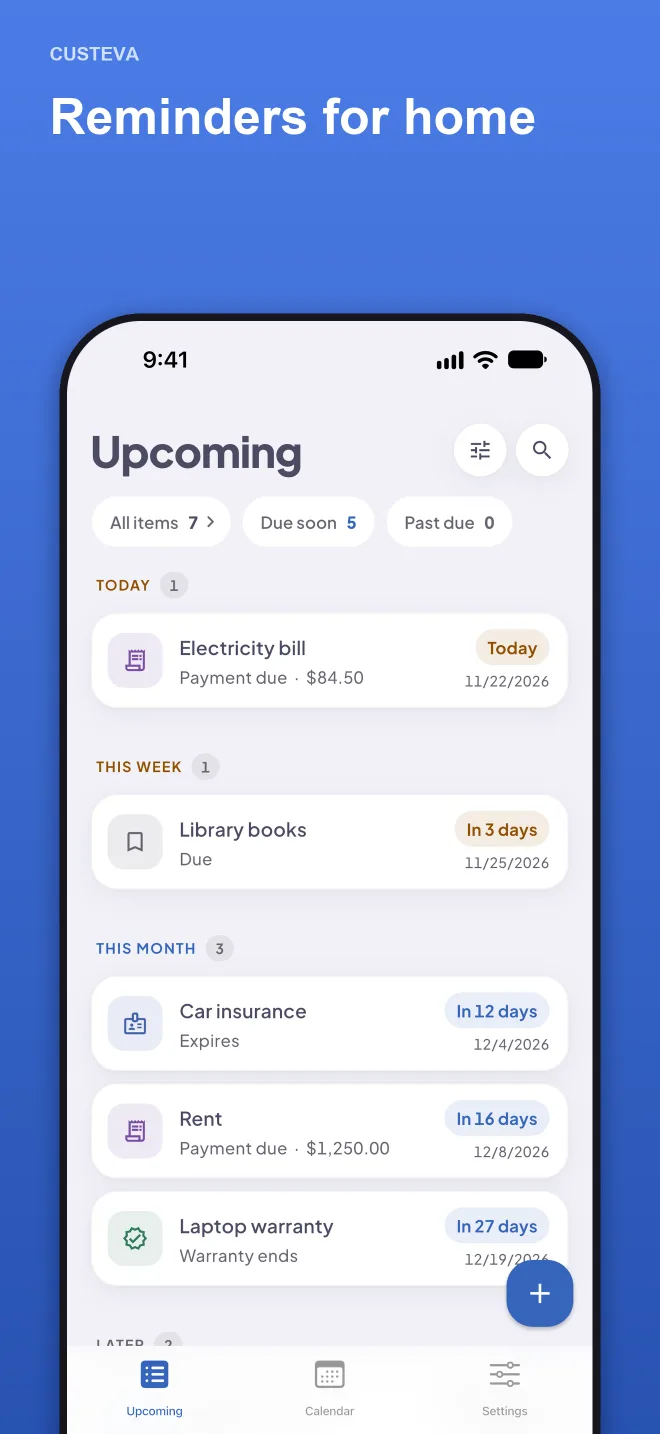
Add a date or scan it. Custeva does the remembering, and gets out of the way once it's handled.
A passport needs months of warning; a bill needs a short, firm run-up. Every category has its own schedule, and you can choose how many reminders you get or give one item its own.
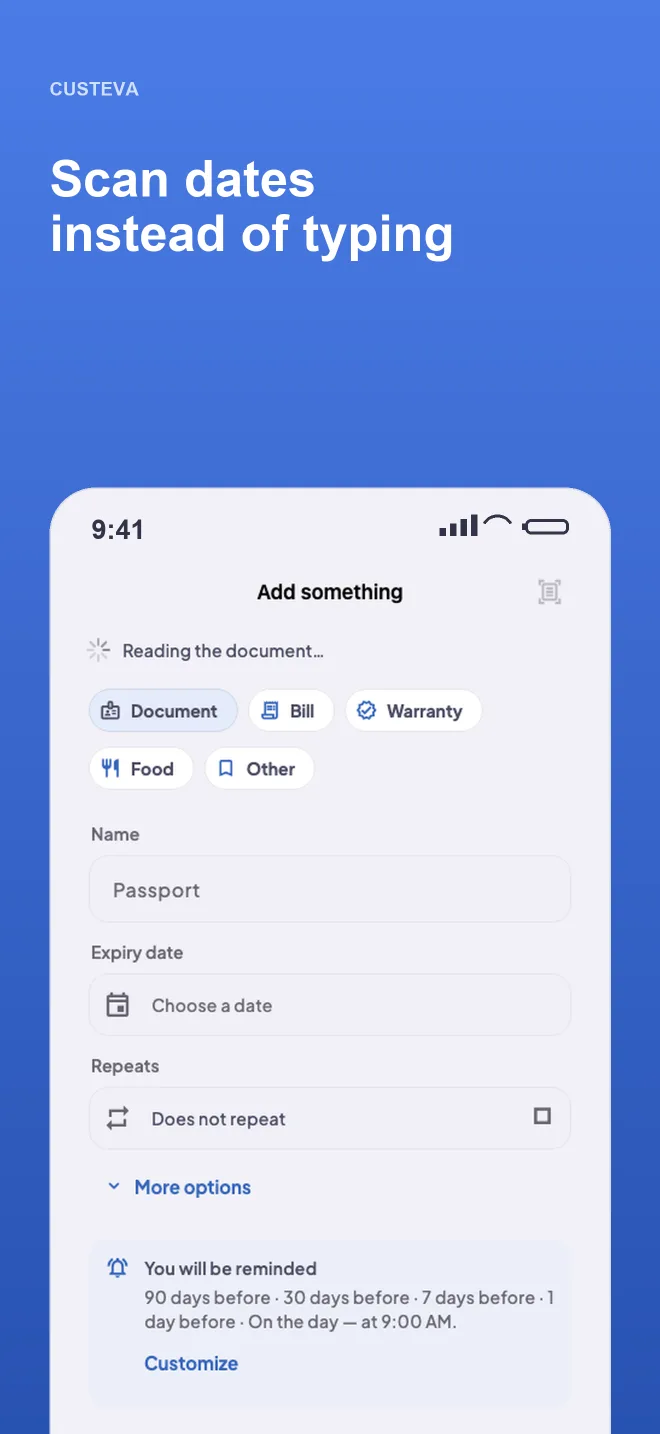
Point the camera at a bill, document or warranty card. Custeva reads the dates on your phone and you confirm the right one. The image is discarded unless you choose to keep it.
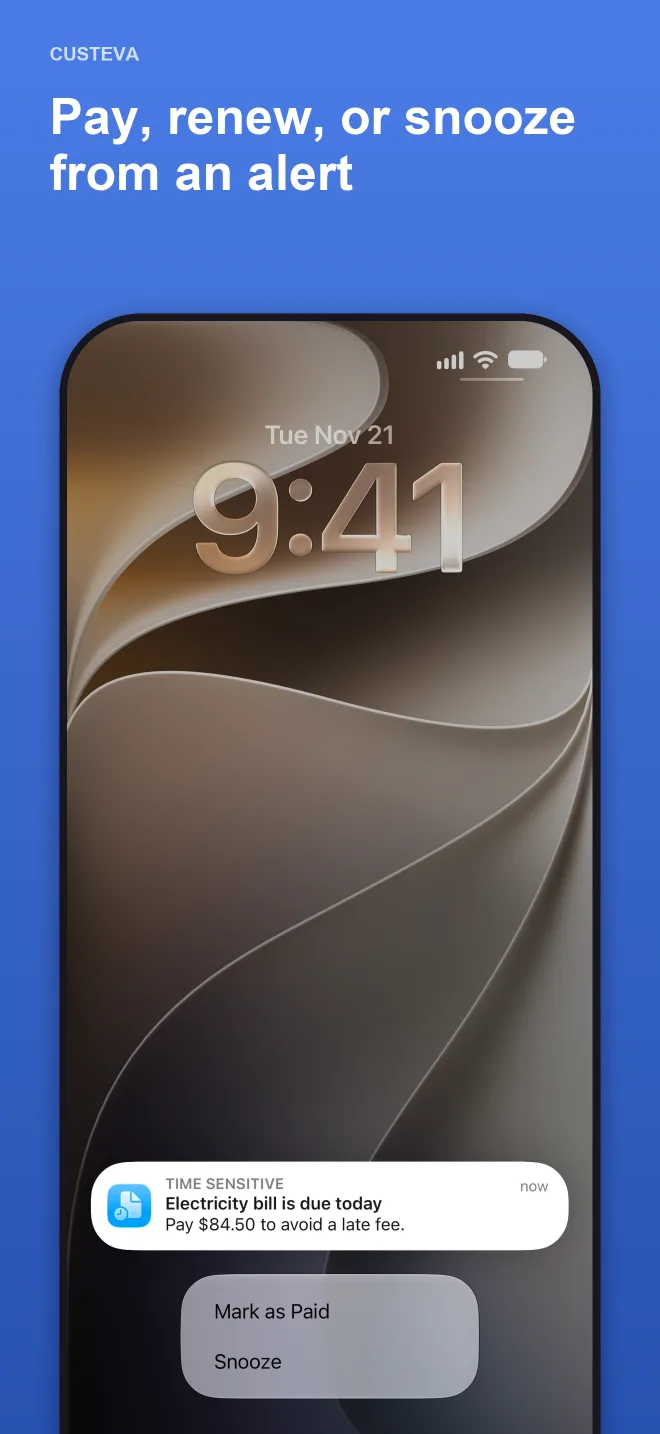
Swipe an item to mark it done or snooze it. When a reminder arrives, mark the bill paid or snooze it right from the notification.
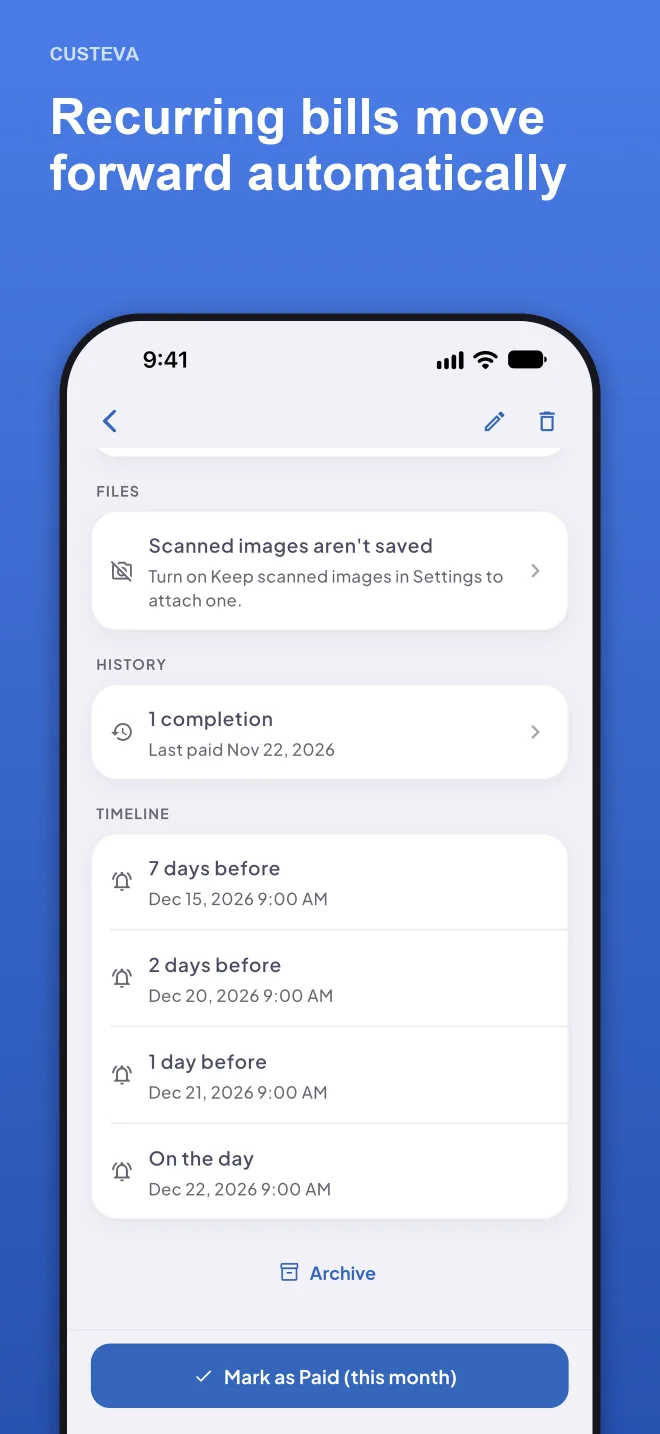
Mark a monthly bill paid and the next due date appears with its own reminders. Renew a yearly policy and the next cycle stays in view.
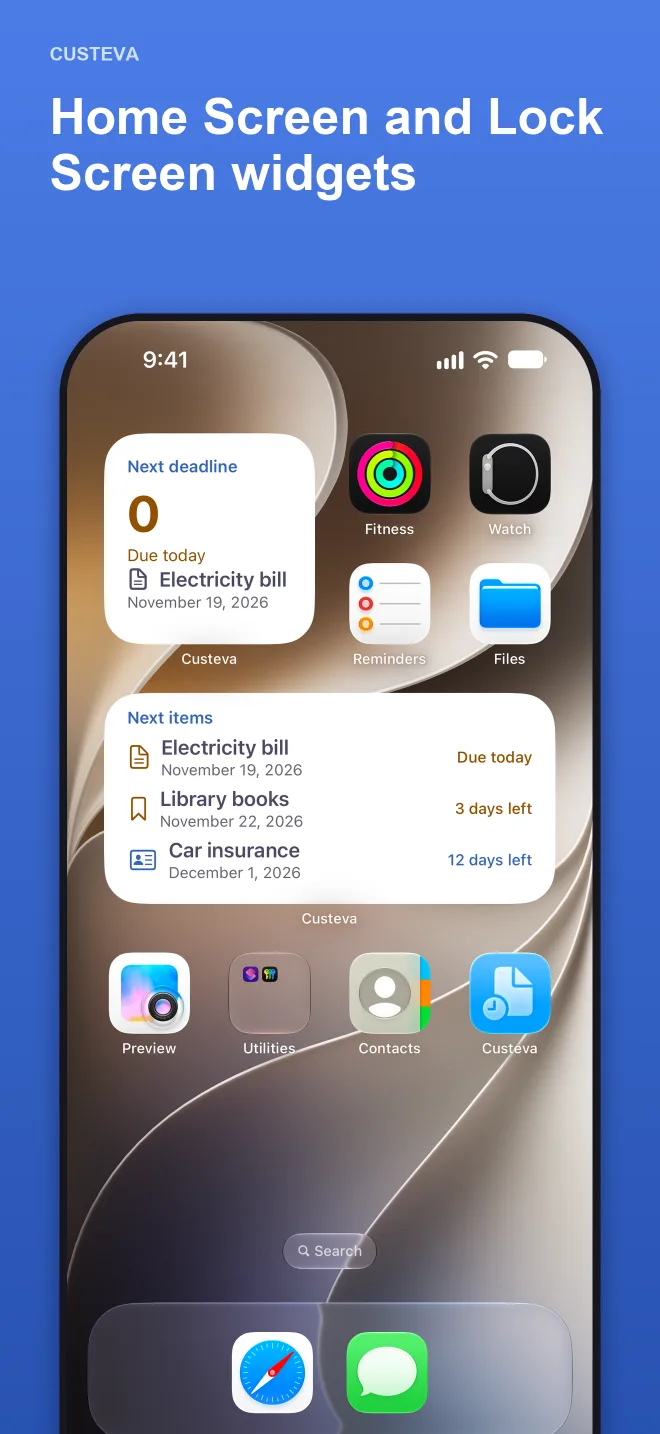
Widgets show what's due next on your Home Screen, and on the Lock Screen on iPhone. Everything keeps working offline.
With Custeva Pro, mirror your deadlines into a calendar of your choice, share an item as a private PDF, and back up your vault so a new phone starts where the old one left off.
Type it, or scan the bill, passport page or warranty card and confirm what Custeva found. Pick a category and, if it repeats, how often.
Custeva schedules reminders before the date, months ahead for documents and days ahead for bills, and lists everything on one Upcoming timeline.
Mark it paid, renewed or done. A recurring item rolls on to its next date, and its history keeps a record of what you completed.
Being late costs different things. A passport can take weeks to renew, so it gets months of notice. A bill takes minutes to pay but the late fee lands the next day, so it gets a short, insistent run-up. These are Custeva's default schedules:
Prefer fewer alerts? Choose a lighter style in Settings, or give one item its own schedule. With Custeva Pro you can add an extra, earlier reminder at a time you choose.
| Category | Reminders before the date |
|---|---|
| Documents | 90, 30, 7 and 1 days, and on the day |
| Bills | 7, 2 and 1 days, and on the day |
| Warranties | 30 and 7 days, and on the day |
| Food | 3 and 1 days, and on the day |
| Everything else | 7 and 1 days, and on the day |
Work out when to renew a passport, how long a warranty really lasts, or which household dates are worth tracking at all. No app needed.
Enter an expiry date and get the day to start renewing, a reminder schedule and a calendar file.
ReadThe six-month and three-month validity rules, how early to apply, and a renewal checklist.
ReadHow long warranties and legal guarantees last, and how to keep proof so a claim is easy.
ReadA simple system for recurring bills so a due date never surprises you.
ReadA printable list of the household documents and dates worth tracking, with reminder lead times.
ReadWhat to look for in an app for bills, documents and warranties, and how the options compare.
Read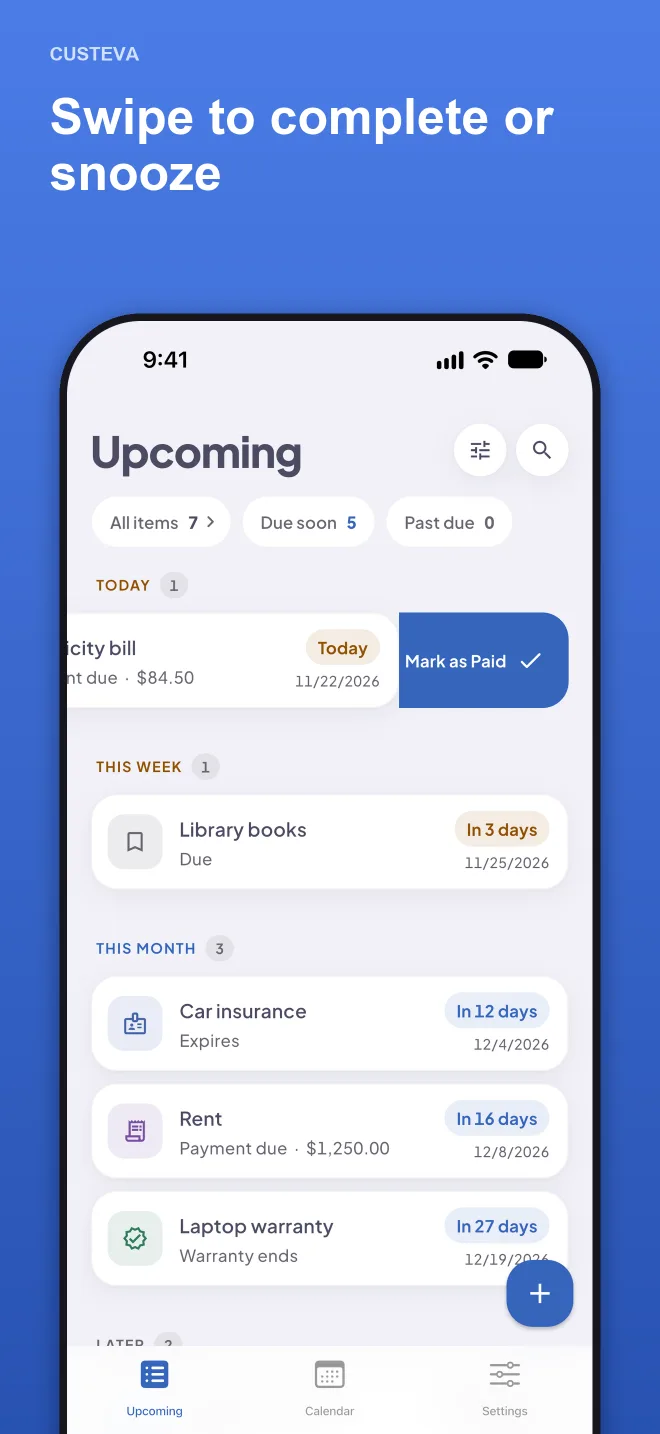
Free
Weekly, annual or lifetime
The annual plan includes a 7-day trial where the store offers it. Prices and availability are shown by Apple or Google before you buy and may vary by region.
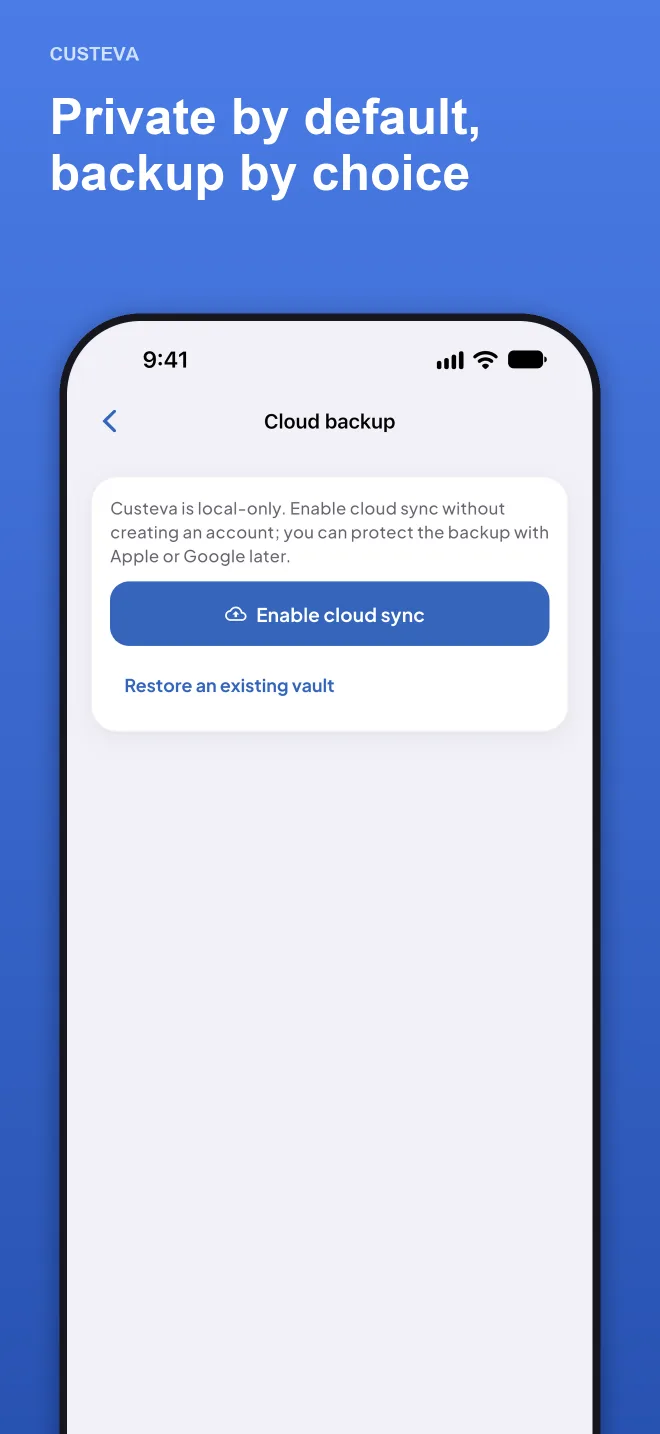
No account is required. Your vault starts on your device and works offline. Scanning happens on the device, and a scan is discarded once it has filled in the details unless you choose to keep it. Cloud backup is optional and off until you turn it on.
For iPhone and Android. Free to start, no account needed.